Real windows, real snapping
Drag a window to an edge for half the screen, a corner for a quarter, the top for full. Android apps go through the system’s own freeform mode.
RigDesk 0.91 Early access · Android · no root
A black hole packs a star into a few kilometres. RigDesk packs a desk into your pocket — real windows, Windows and Linux programs, your PC’s games, photos that move in 3D. Plug into any screen, or run it right on the phone.
What it actually is
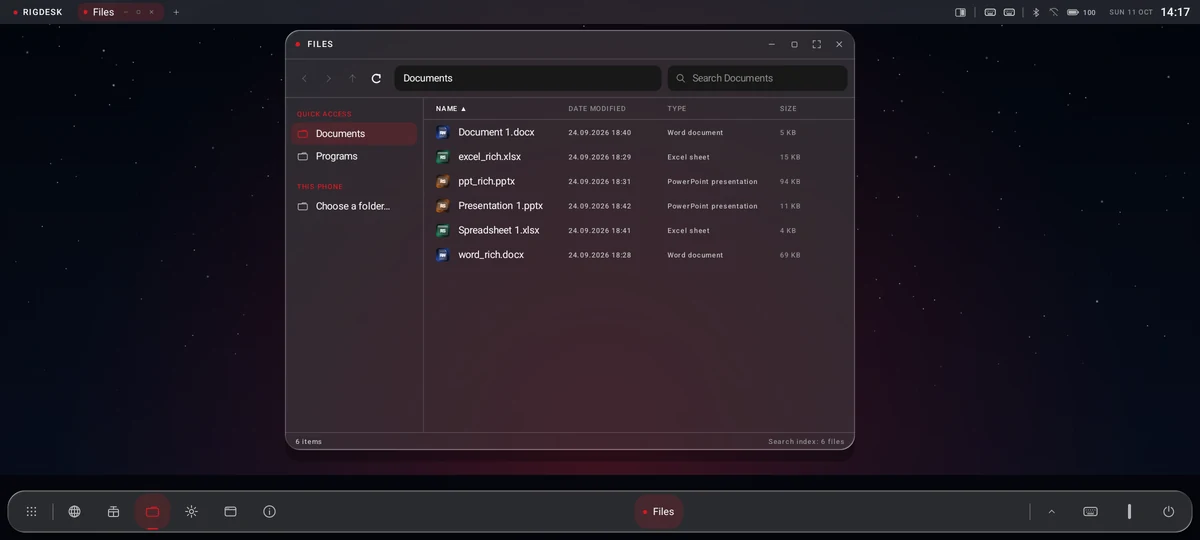
Android already has the hardware of a laptop and none of the desk. RigDesk is the desk: a window manager, a compatibility layer, an X server and a browser, in one app — no root, no vendor deal.
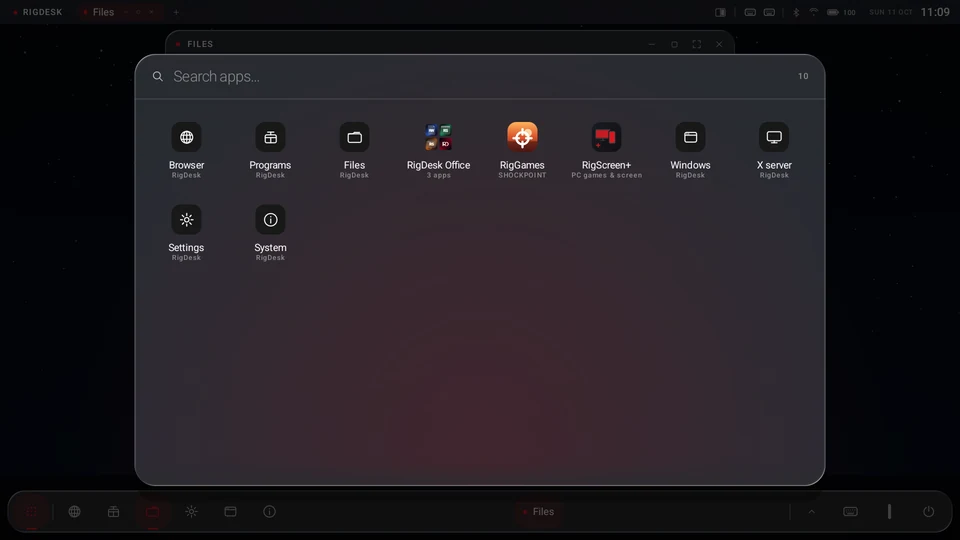
USB-C to HDMI, a TV over Wi-Fi, or just the phone — the phone becomes the trackpad and the keyboard.
Drag a window to an edge for half the screen, a corner for a quarter, the top for full. Android apps go through the system’s own freeform mode.
A Wine layer runs unmodified .exe files; an x86 translator runs Linux binaries — on an arm64 phone, nothing streamed. Included in the download.
Linux and x86 programs open as real RigDesk windows with title bars, resizing and focus. Sound plays through Android.
Real .docx, .xlsx, .csv and .pptx — checked against what Word, Excel and PowerPoint write. Free.
Back, forward, a path you can click, columns you can sort — and a search that answers while you type, because it keeps an index instead of digging every time.
The helper ships inside the app and starts over Android’s own wireless debugging. Nothing leaves RigDesk without telling you first.
Bibliotheca · Palatina · Roma
In AD 192 a fire ran from the Temple of Peace up the Palatine. Galen, physician to emperors, wrote that it took the libraries — and books that existed nowhere else, his own among them.
Every scroll under one roof. You travelled to it — and one fire was enough.
For thirty years, your work lived on a machine under a table. You went to it.
Now the desk goes with you. Windows, programs, games — on the phone you already carry.
Per aspera ad astra
Scientia · in · manu — knowledge, in the hand
Frescoes from Pompeii, Boscoreale and the Villa of Livia — public domain and CC0 (Wikimedia Commons). Vela pulsar: NASA/CXC data, image by Judy Schmidt, CC BY 2.0.
Chandra X-ray: NASA/CXC · image Judy Schmidt, CC BY 2.0
RedFrame
Every 89 milliseconds a beam from the Vela pulsar sweeps past Earth — steady as a metronome, eleven thousand years after its star exploded. RedFrame keeps your frames in step the same way: it adds frames between the ones a game draws, at an even pace.
New in 0.91 · Free
 LiveAngle
Your photo, alive at every angle.
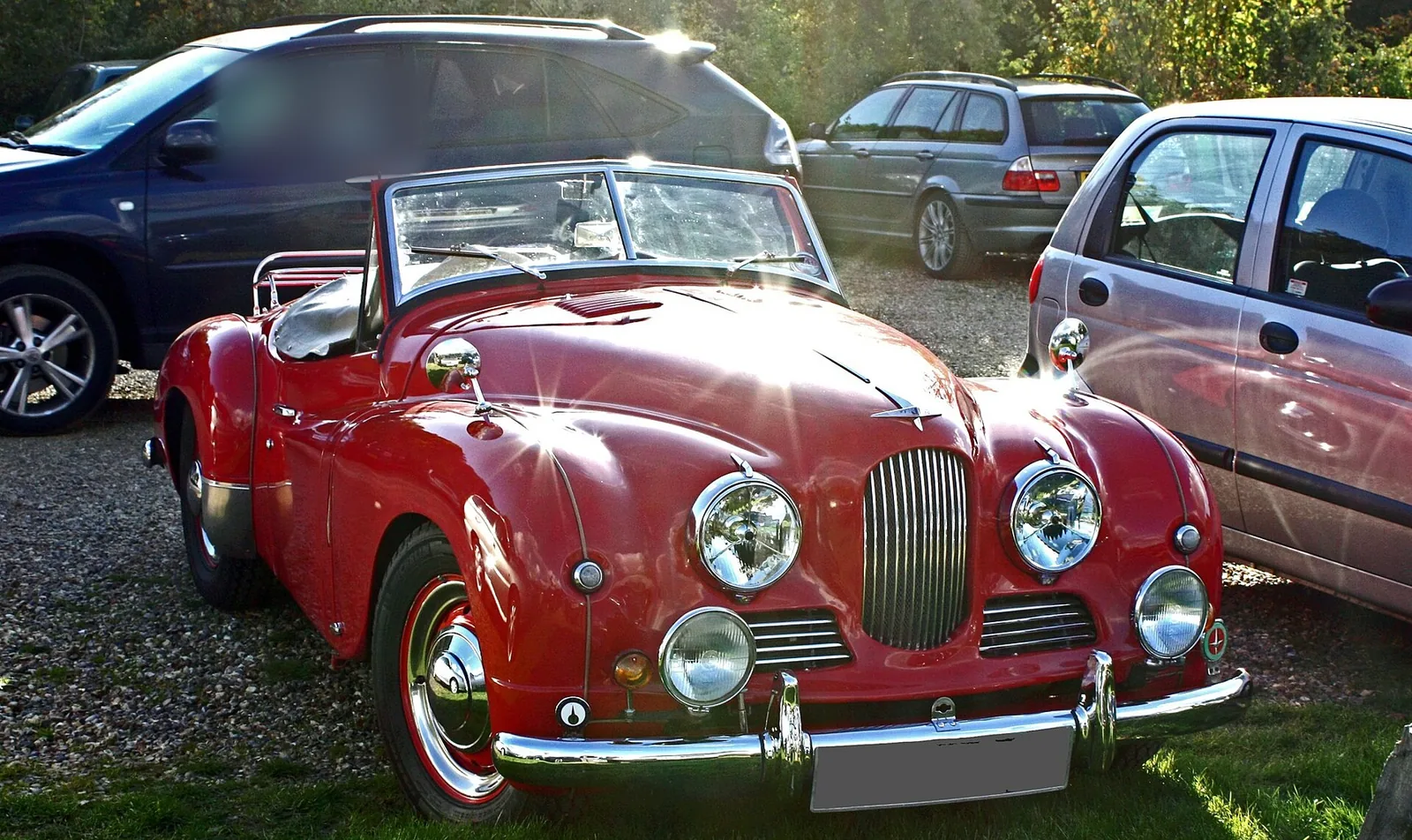
Pick any photo. LiveAngle finds the people, pets and cars in it, lifts them off the background and paints in what was behind them. Tilt your phone and the picture moves like a window — and on a car, the light slides across the paint and the glass. It runs on your phone; your photo never leaves it.
Any photo from your gallery.
The real output of LiveAngle for this photo — the boxes, the outline, the depth and the layers are what the app made, nothing drawn by hand. Photo: Gareth Williams, CC BY 2.0 (people in the background blurred).
RigScreen+
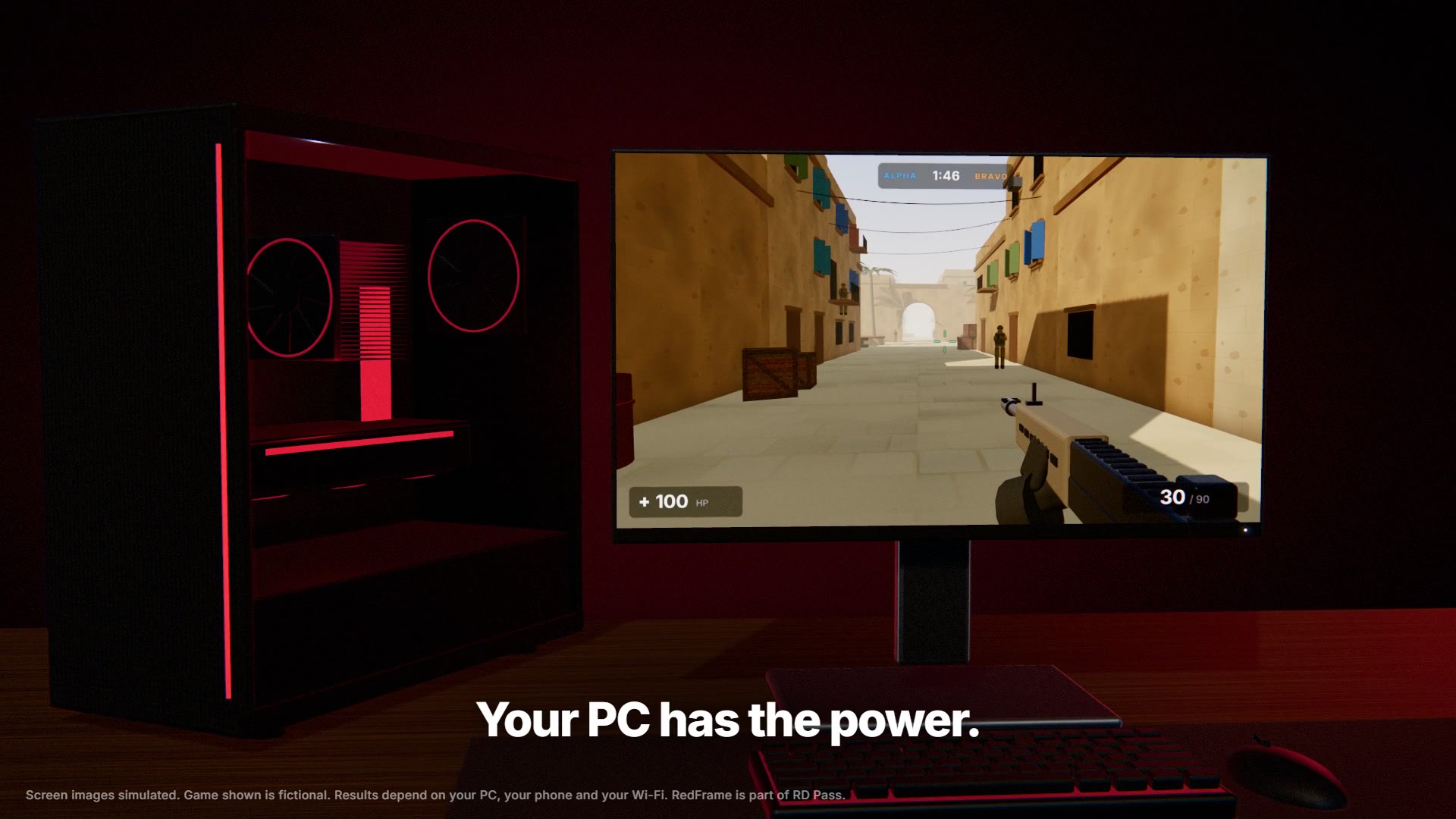
The game runs on your computer — its graphics card, its processor, its memory. RigDesk on your phone is the screen and the controller, over your home Wi-Fi, with RedFrame on top. A free program for Windows, and a six-digit code shown only on your PC before anything is shared.
The film
RigDesk Designs
The real tab animations from the app, drawn by the same maths. Click one and it starts playing in RigDesk’s own tab strip — the bar up there, not a picture of one.
Free ones ship with RigDesk. The rest are €1.99 each, or all of them with RD Pass.
RigDesk Store · signed in as
What is new
Loading the release history…
Roadmap
No dates on purpose: a date that slips is a promise that broke. Things move left when they ship.
Launch
Sideloaded on purpose — here is the honest reason. First APK? The guide walks you through it.
Nobody vouches for a sideloaded file, so here are the two numbers that let you check it yourself. The first is this exact build. The second is our signing identity — it never changes.
——sha256sum RigDesk.apk
apksigner verify --print-certs RigDesk.apkIf either line does not match, you did not get the file from us — delete it.
Will it run on my phone? See what each level needs →
Why it is not on Google Play
RigDesk downloads and runs a Windows compatibility layer after installation. That is the whole point of the app, and it is also precisely what Play’s Device and Network Abuse policy exists to stop. Shipping a crippled build to satisfy a policy, or hiding what the app does to get past review, are both worse than saying it plainly: RigDesk is distributed from here, signed with our own key, and it updates in place.
Sideloading means Android will warn you once, and some scanners flag anything they have not seen before. Every release is signed with the same certificate, so an update installs over the previous one and your profile stays put.
Phone requirements
RigDesk runs on any arm64 phone with Android 11 or newer. How it feels depends on the phone — here is what each level is good for.
A guide, not a promise: a Windows game needs what that game needs.
No cookies, no trackers, no analytics. Nothing here follows you — what we do and do not store.